by Salamoh Salami Gender is viewed differently across the world. Culture, religion, tradition, education, and the media all shape how societies see men and women....
Express Yourself Blog
TEENZONE
Sex vs Gender: The Real Difference
By Japheth Oyewole Sex and gender are often used as if they mean the same thing, but they are not. Understanding the difference helps us...
5 Reasons We’re Still Talking About Gender Norms in 2026
Understanding gender isn’t just about definitions—it’s about how we navigate the world. Here’s why we are unpacking this topic: 1. It’s the Blueprint of Our...
The Pivot Year: How Action Health Incorporated Opened a Path I Am Still Walking
Before I understood what a grant was, I was already sitting in rooms where one needed to be written. I did not know the full...
Finding My Voice: How AHI Helped Me Become the Woman I Am Still Becoming
My name is Maryam Bello, and my journey toward empowerment did not begin on a big stage. It did not start with a microphone in...
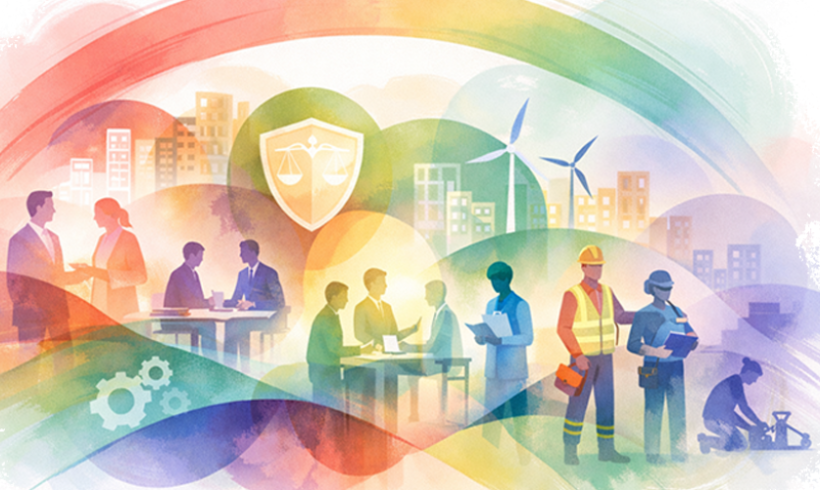
World Day of Social Justice 2026
by Oluseye Oyewole The World Day of Social Justice is observed every year on February 20. The United Nations established this day to remind the...
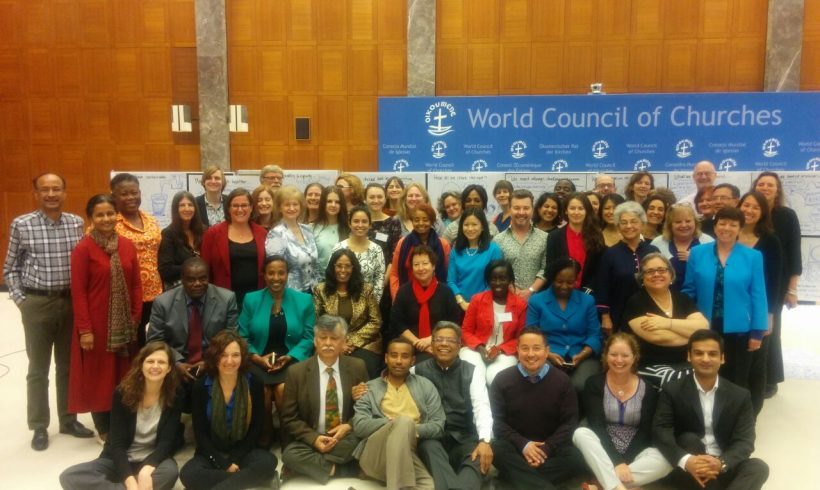
My Experience in Geneva; Lessons Learned From the First Generation of Scaled Up ASRH Programmes
By Elizabeth Williams At the International Conference on Population and Development (ICPD) in 1994, the governments’ present made commitments to promote the Sexual and Reproductive Health...
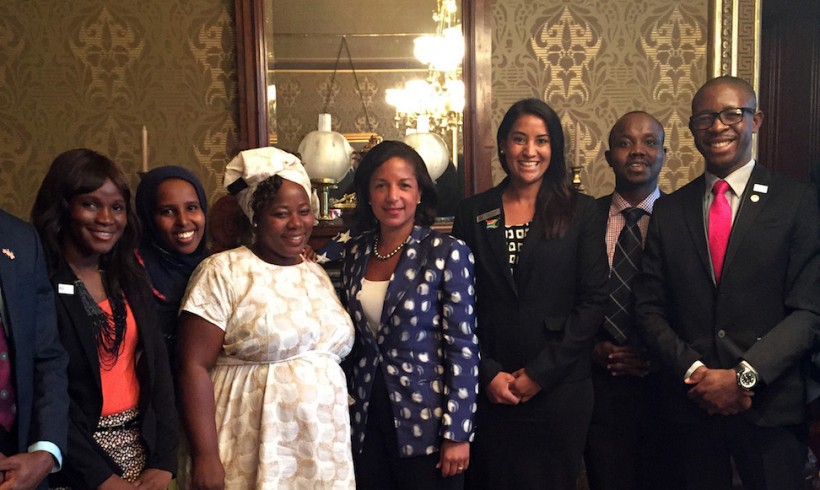
Reflection of a Mandela Washington Fellow: Social Exclusion: An Expression of Inequalities
In the 20th century, a great educator, Paulo Freire, made a profound statement, one that points to the source of most human inequalities and injustice. He said “the greatest problem of humanity is dehumanisation.” No matter how we have defined this, denying other humans of their basic rights to education, empowerment, healthcare, shelter and a life lived to the fullest is man’s greatest limitation on humanity.
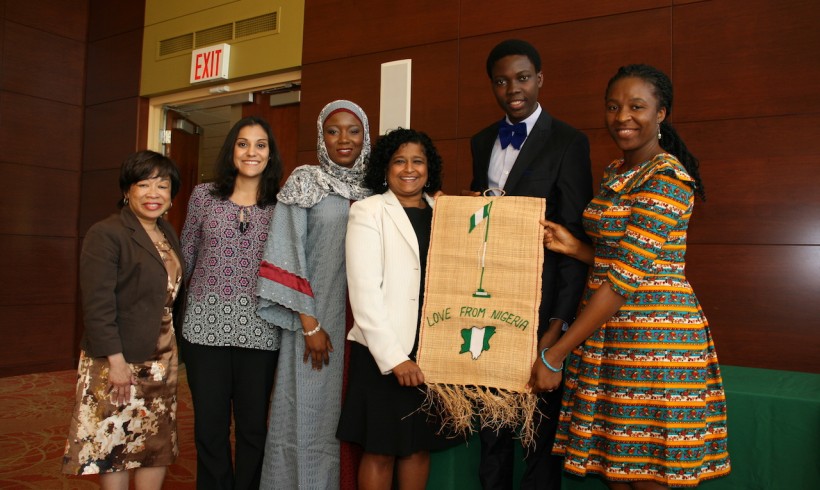
Reflection of a Mandela Washington Fellow: Are Africans Making Africa Vulnerable?
It’s been three weeks of a great learning adventure at the great Wagner College, New York. And here is one of thoughts I have had to reflect on: 'young Africans have to be more assertive about the African story that we share'. When we share our stories, it has the power to do either of two things. One is to make Africa vulnerable, susceptible to pity and in dire need of more aids. The other option is to reveal African’s potentials, diversity and strength